
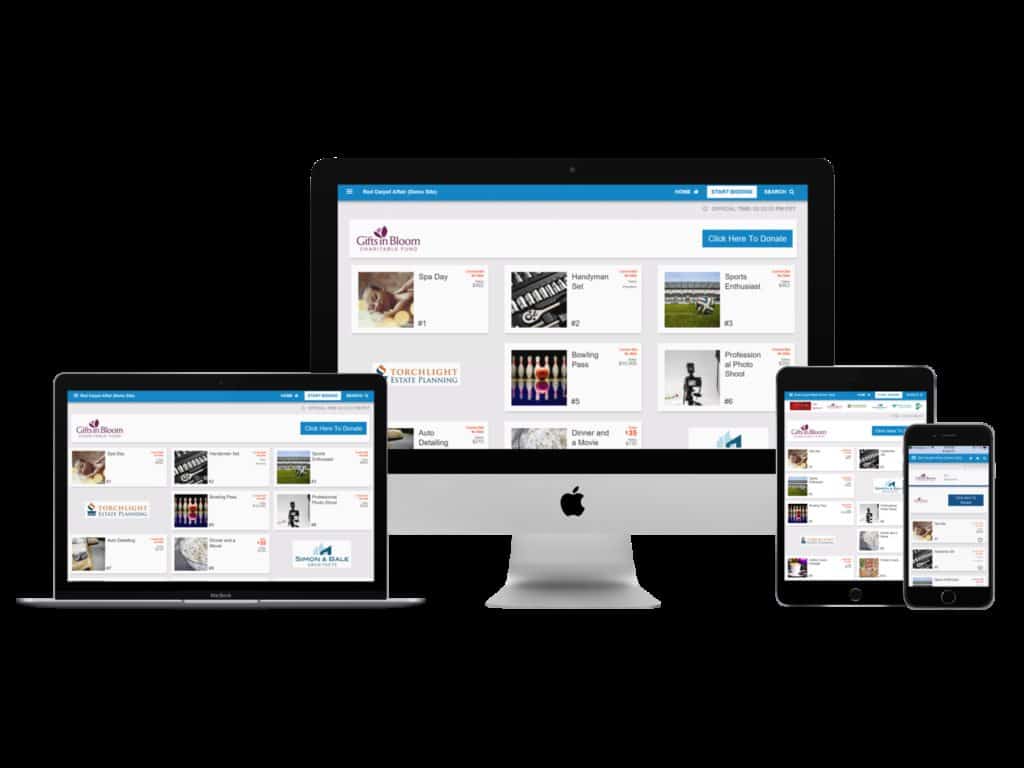
Online bidding is a trend here to stay in nonprofit fundraising—for good reason!
Organizations who adopt online bidding report steep jumps in the quality of guests’ experience, and in their overall fundraising. Some nonprofits see bidding become much more competitive, because they’re able to extend silent auctions into dinnertime, and people start bidding before the event even starts. Holy Trinity Catholic school saw a $13,000 jump in total fundraising after adding an online bidding component.
But we also know that a shift in technology can be a big deal for a nonprofit. So we’re here with tips and advice on how to introduce online bidding to your constituency.
Adopting a new technology
Recently, we wrote about getting board members to sign onto online bidding at your next auction—because we know changes have to start at the top. But once you have the buy-in from your decision-makers, you face another task: how to introduce this cutting-edge new technology to your event attendees?
Getting long-time guests and supporters used to the idea of something new, of a novel way of bidding and interacting with auction items, can take time and extra effort. But don’t worry, though—people will love it once they learn how to use it, and it’ll pay off in the long run!
So we asked our client organizations: How did you introduce online bidding to your guests?
1. Prepare guests for what to expect with pre-event communication.
Send out an email to every registered guest on your list about online bidding at your auction event. Include some simple, step-by-step information about:
- How to register to bid, including registering a credit card.
- What devices people should bring with them.
- Do you have a charging station? Where can guests find it?
- If you have Bid Assistants available to help guests bid.
JDRF Lincoln and Greater Nebraska actually sends out their welcome messages on the Monday before the event, telling people how to set up their phones to bid and what to expect at registration, so anyone with questions can call for clarification during the week.
2. Include a page on your website about online bidding.
Including an additional instructional webpage on your event website is ideal for those guests who need some more in-depth instruction about how to get started with a new technology.
Include a link in your email to the page, telling guests about your new, easy-to-use technology. Then include screenshots on your in-depth online bidding page to show guests how to register, how to look up items, and how to place bids.
Our Lady of the Sacred Heart High School created a page for their guests that had an FAQ, and even a video on how to get set up to bid—and what they could expect at the event. Getting guests prepared in advance will make event night a lot easier for everyone!
3. Send a text message the day before, or the morning of the event, about registering to bid.
The more people who get signed up to bid in advance, the faster registration will go. Having guests register their credit cards through your website before the event gives your volunteers one less thing to do on the big night—which frees them up to move the rest of the line in quickly, and bidders can get right on to bidding.
4. Provide Bid Assistants to help new people figure it out.
American Cancer Society of New Orleans addressed the issue of constituents of all ages learning to use their new technology by peppering their silent auction room with Bid Assistants. This way, trained helpers could assist anyone having difficulty figure out how to place bids—as well as provide tablets to those who didn’t have a way to bid.
Provide your guests with plenty of resources to get up to speed on online bidding, and watch them happily transition to a new way to attend auctions. Expect a lot of great reviews!

Nice article.
Happy to hear you enjoyed it. Feel free to subscribe or suggest other topics!