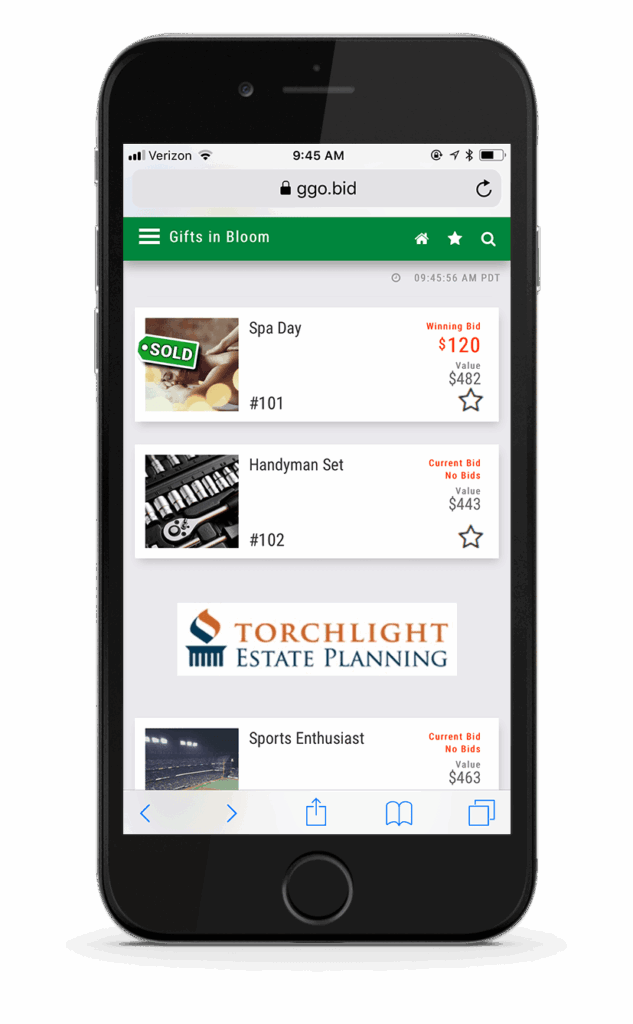
Mobile Bidding is a fast growing trend at fundraising auctions and golf events. The feedback from Greater Giving clients has been amazing and organizations are reporting large increases in the total dollars raised during their silent auction, as a result of using mobile bidding. A common question among guests, donors, board members and volunteers is ‘How does Mobile Bidding work”? To help answer this question I created a quick 1min video that looks at this in more detail.
Getting setup on your smartphone can be broken down into three steps after guest check-in:
Step 1 – You will receive a text message on your smartphone
Step 2 – Click on the “Yes” icon below your name
Step 3 – Start bidding
Here are a few tips to keep in mind:
- Your name will appear in the top corner of your phone next to your table number, should your event choose to use table assignments.
- You don’t need to download any sort of app since Greater Giving Mobile Bidding works on your browser.
- Sponsor logos and/or an event logo can also appear on the phone. (In the above video I used a Greater Giving logo in place of a sponsor logo in the top right corner of the phone.)
Also see: